Blog / AI and Software Engineering
The Day MCP Clicked for Me: An AI Agent, a Blocked MR and a Failed Quality Gate
A SonarQube quality gate blocked my GitLab merge request. Instead of jumping between tabs, I gave Claude Code the MR URL, and it worked with both tools through MCP. That's when MCP stopped being a diagram for me.
Nikesh Kumar T K · · 5 min read
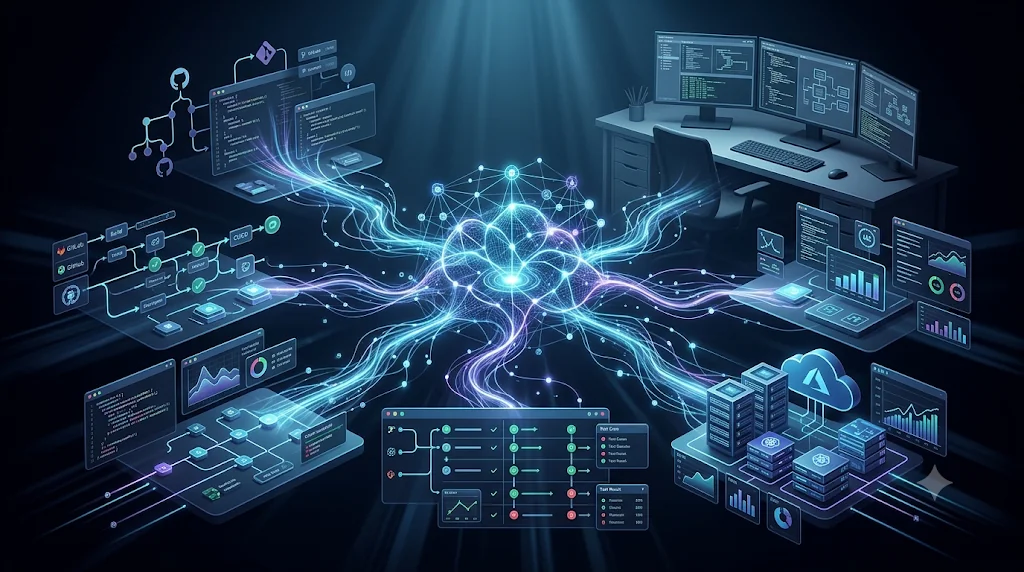
I'd read about MCP for months before it clicked for me. The diagrams made sense. The spec made sense. But it was hard to see why it mattered until a blocked merge request at work made it obvious.
This post covers both: a quick look at what MCP is, and the afternoon it stopped being just a concept.
MCP: Giving AI Agents Access to the Tools Around Us
A model on its own can only work with what's in front of it. You paste in code, it gives you an answer.
Real software engineering doesn't happen in one place, though. It's spread across a lot of systems:
GitLab or GitHub
CI/CD pipelines
SonarQube
Jira
Slack
Databases
AWS
Documentation and internal APIs
Without a common standard, every AI application has to build its own integration for every one of these systems. That's a lot of glue code, and most of it gets written again and again.
The Model Context Protocol (MCP) is an open protocol for this problem. An AI application, which MCP calls the host, connects to external systems through MCP servers. For each server it connects to, the host creates an MCP client that keeps a dedicated connection to that server.
Claude Code (MCP host)
  ├── MCP client → GitLab MCP server    → GitLab
  └── MCP client → SonarQube MCP server → SonarQube
A server can run locally on your machine or remotely as a hosted service. Either way, it tells the host what it offers. The three main things a server can expose are:
Tools: actions the AI can call, like fetching a merge request or listing issues
Resources: data it can read for context
Prompts: reusable templates for common tasks
That's all you need for the rest of this post. GitLab's server describes what it can do, SonarQube's server does the same, and the agent can use both.
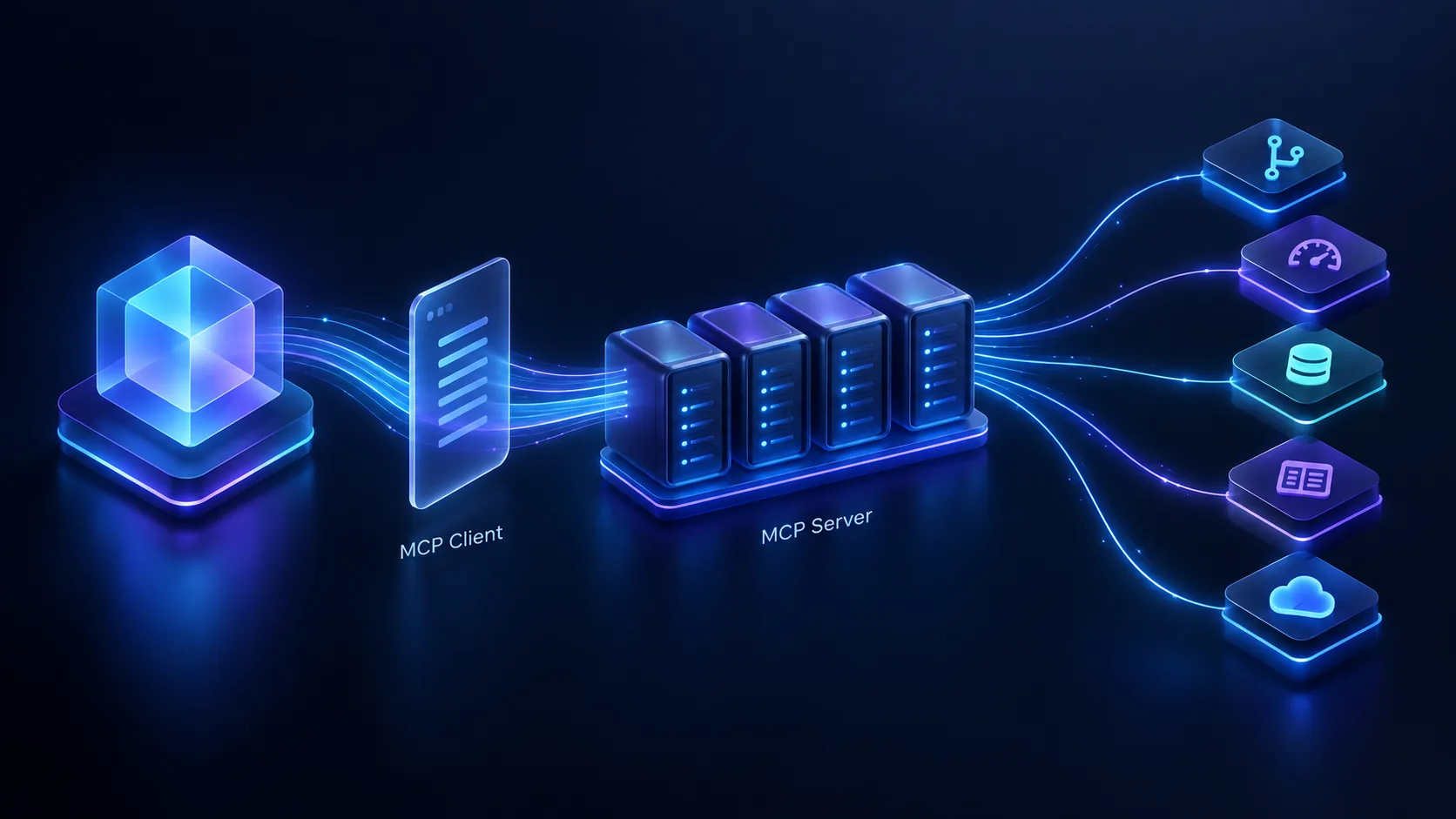
The agent never talks to each tool directly. MCP servers sit in between and describe what each tool can do.
The Day MCP Became More Than a Concept for Me
I was working on a module where we were migrating Node.js microservices to a Python-based framework. I finished my part and raised a merge request in GitLab.
The CI/CD pipeline ran, and the SonarQube quality gate failed. The merge was blocked.
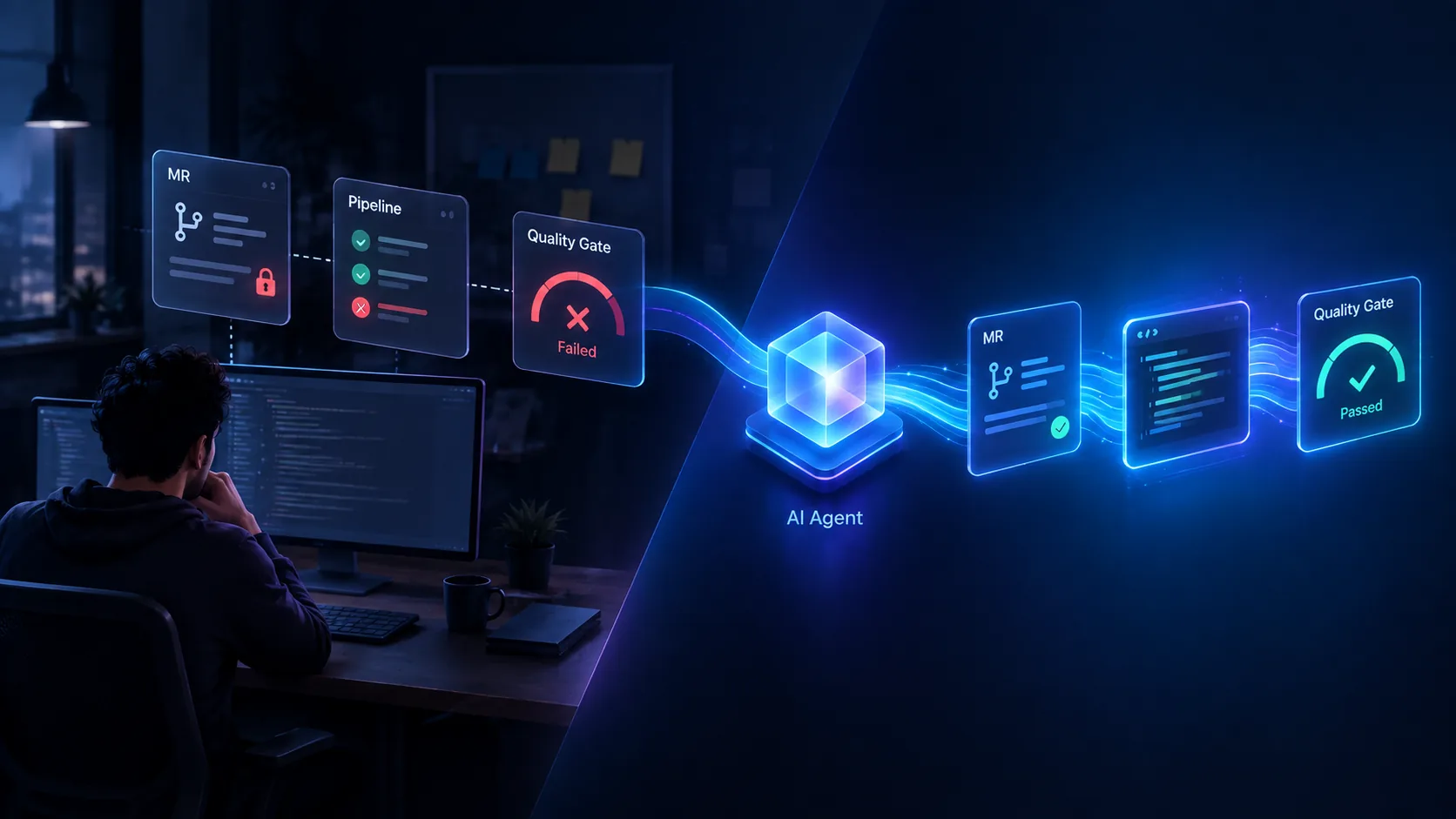
Left: the tab-hopping routine. Right: an agent working across the MR, the code and the quality gate in one flow.
If you've worked with quality gates, you know the routine:
Open the MR
  → Open the failed pipeline
  → Find the failed SonarQube check
  → Open SonarQube
  → Go through the issues
  → Find each one in the source code
  → Fix them
  → Push
  → Wait for the pipeline
  → Check SonarQube again
  → Update the MR
None of these steps is hard. The tiring part is moving between tabs and carrying context from one tool to the next.
But I already had the GitLab and SonarQube MCP servers set up with Claude Code. So I tried something different. I gave Claude Code the MR URL and asked it to look into the failure and fix it.
Through the GitLab MCP server, it could look at the merge request. Through the SonarQube MCP server, it could see what the quality gate was complaining about. It connected those findings to the code in my branch, made the changes, and updated the MR with the relevant warnings and issues.
I didn't copy an error out of one tool and paste it into a chat window. I didn't explain what SonarQube was flagging. The agent went and looked.
That's when MCP started making sense to me.
What stood out wasn't that Claude Code fixed some code quality issues. AI has been able to suggest fixes for a while. What stood out was that it could work directly with the tools involved in the problem. It read the MR and the SonarQube findings itself, instead of waiting for me to bring them over.
Before, I was the integration layer. This time, the agent was.
This Is Where Agentic Coding Gets Interesting
Most conversations about AI coding focus on speed: how fast it writes code. That part matters, but it isn't what I found most interesting.
The usual setup looks like this:
Developer → AI → CodeWhat I'm starting to see looks more like this:
Developer
  → AI agent
      → GitLab
      → SonarQube
      → Repository
      → Tests
      → CI/CD
      → Deployment
This changes what I can delegate. A lot of engineering time goes into moving information between systems: reading a pipeline log, finding the matching line of code, updating a ticket, checking a dashboard. When an agent can reach those systems directly, it can take over a good part of that work.
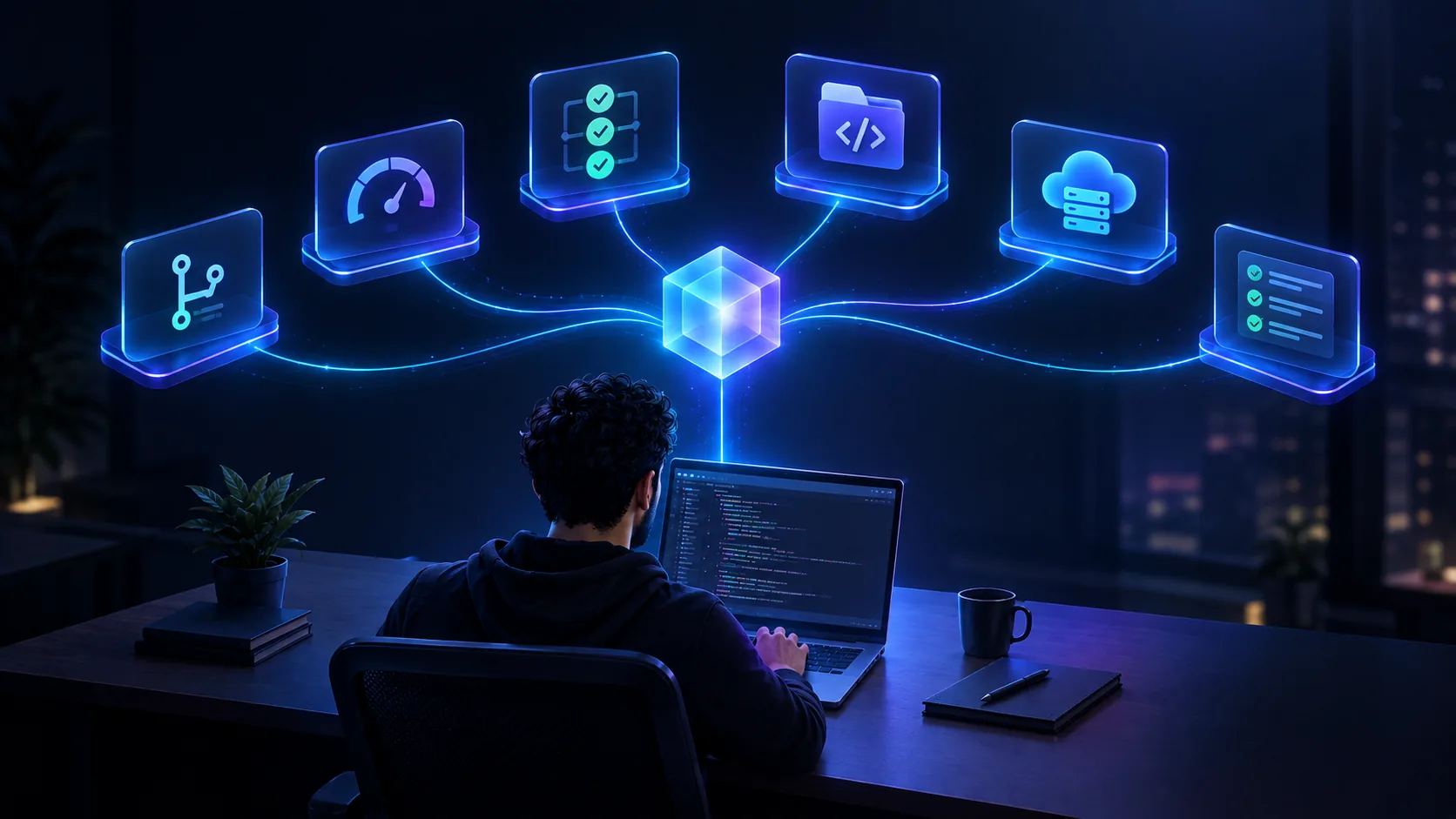
The agent reaches the tools. The developer still decides what it should do with them.
This doesn't mean you should connect an agent to everything and walk away. Access to real systems needs real limits. Give the agent narrowly scoped permissions. Keep approval steps for anything that's hard to undo. Review what it changes before it gets merged. The agent can do the investigation and the fixes, but the engineer is still responsible for what ships.
But the direction is clear to me now. Code generation was the first step. Access to the environment around the code is the next one.
MCP didn't make the model write better code. It let the model see the same tools I was looking at, and that turned out to be the part that mattered.